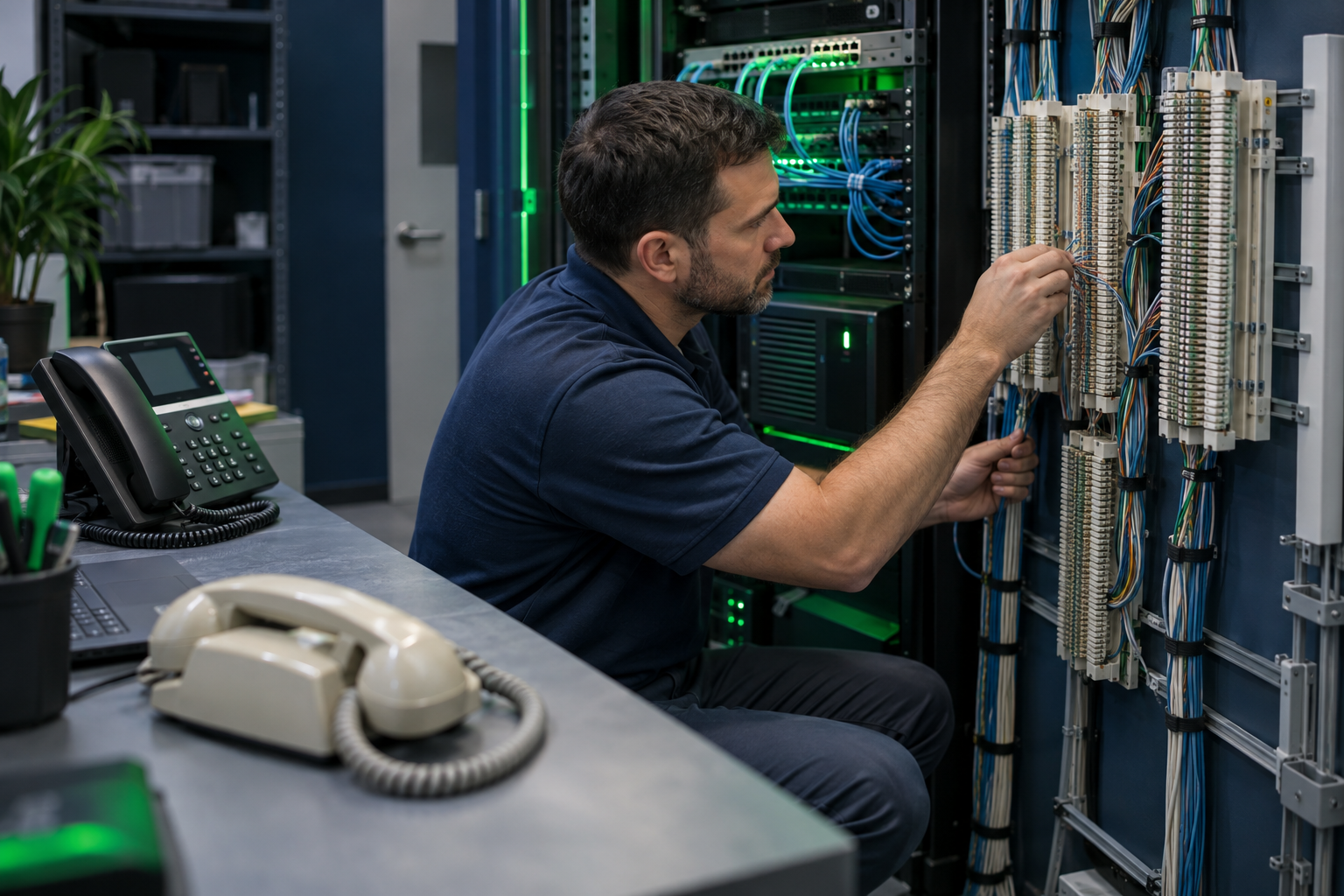
Transitioning from POTS to UCaaS is not simply a matter of replacing desk phones. Traditional telephone lines may also support your building’s elevator phones, alarm panels, fax machines, or door entry systems. Those connections need different decisions than employee calling.
The safest approach is to separate your migration into two tracks: move business conversations to a cloud phone system, and give every remaining analog device an approved replacement path. Here is how to decide what belongs in each track before you cancel any lines.
What changes when you replace POTS with UCaaS?
POTS stands for Plain Old Telephone Service, commonly associated with traditional analog telephone service over copper. UCaaS, or Unified Communications as a Service, delivers business calling and related collaboration tools over an IP network, typically through a provider’s cloud platform.
For employees, that can mean using a desk phone, computer application, or mobile app instead of a handset connected to an analog wall jack. For IT, it means managing internet connectivity, network equipment, user accounts, and emergency calling settings rather than treating the telephone line as a standalone utility.
Do not assume there is one nationwide deadline when all POTS service stops. Availability, retirement notices, and pricing changes vary by carrier and location. Review the notices and terms that apply to each service address.
Start with the bill, then inspect the building
A phone bill tells you which services you pay for, but not necessarily what they do. Match each billed line to its physical endpoint and business purpose. Include locations that rarely appear on an IT inventory, such as mechanical rooms, security closets, and reception counters.
For every line, record:
- Number and location: The telephone number, service address, and connected device.
- Business owner: The person responsible for the workflow or equipment.
- Purpose: Employee calls, faxing, monitoring, emergency communication, or another function.
- Dependencies: Equipment model, maintenance vendor, power source, and any monitoring service.
- Exit conditions: Required testing, approvals, contract terms, and cancellation authorization.
Label anything you cannot identify as unresolved, not unused. A quiet line might carry a scheduled alarm test or provide emergency communication that has never been needed.
Sort each connection into three migration paths
1. Move employee calling to UCaaS
Individual extensions, reception lines, shared department numbers, and standard call queues are generally candidates for UCaaS. Map the work people actually perform: transferring calls, answering shared lines, checking voicemail, and covering calls outside business hours.
Confirm whether existing phones are supported rather than assuming every IP handset will work. Also check shared-area device licensing, headset compatibility, and whether users need physical phones or can use applications. You can explore business phone providers once these requirements are clear.
2. Replace the analog workflow
Some devices are better replaced than adapted. A lightly used fax machine might give way to an electronic fax service. A door entry system may have a manufacturer-supported IP upgrade. An old dial-up payment terminal may need replacement through your payment processor.
Evaluate the replacement against the actual workflow. For faxing, consider document handling, access permissions, retention requirements, and compatibility with recipients. A digital alternative is useful only if it meets the business and security requirements of the original process.
3. Retain or specially engineer critical connections
Elevator phones, fire alarm panels, security systems, and other safety-related equipment require special treatment. An analog telephone adapter can connect some analog devices to IP service, but an adapter alone does not establish compatibility or code compliance.
Ask the equipment vendor, monitoring company, and applicable authority having jurisdiction what replacement methods are acceptable. Depending on the system, an approved cellular communicator, purpose-built replacement service, or another arrangement may be appropriate. Get written requirements and acceptance criteria before ordering.
Plan for the power and connectivity you now depend on
Some traditional copper telephone services can power a basic corded phone from the telephone network. UCaaS endpoints generally depend on local power and an available network connection. Your resilience plan must account for the modem or optical network terminal, router, switches, and phones—not just the handset.
Size battery backup around the equipment load and required runtime. Consider secondary connectivity where outages would materially disrupt operations, and verify that automatic failover works with active calling. Mobile apps and call forwarding can help employees stay reachable, but they are not substitutes for approved emergency-device connectivity.
Configure emergency calling locations and procedures for office, shared-area, and remote users. Follow provider guidance for testing; do not place uncoordinated test calls to 911.
Compare proposals against the whole migration
A per-user subscription quote rarely describes every part of a POTS replacement project. Ask each bidder to separate employee calling costs from equipment, network upgrades, implementation, analog replacement services, and ongoing support.
Use the same inventory when you compare phone system options. Require a clear answer about which devices the provider supports, which need a specialist, and who owns troubleshooting when multiple vendors are involved.
Cancel old lines only after acceptance
Define success for each connection before migration begins. Employee calling needs workflow checks; specialized devices need their own vendor-led testing and any required approvals. Keep the old service active until the replacement has passed its agreed acceptance process and any necessary number transfer is complete.
After cancellation, review subsequent bills and update your inventory. The goal is not to eliminate every analog connection at once. It is to remove unnecessary services while preserving essential functions. If you need help narrowing the shortlist, share your business phone requirements, including any analog devices that need separate handling.